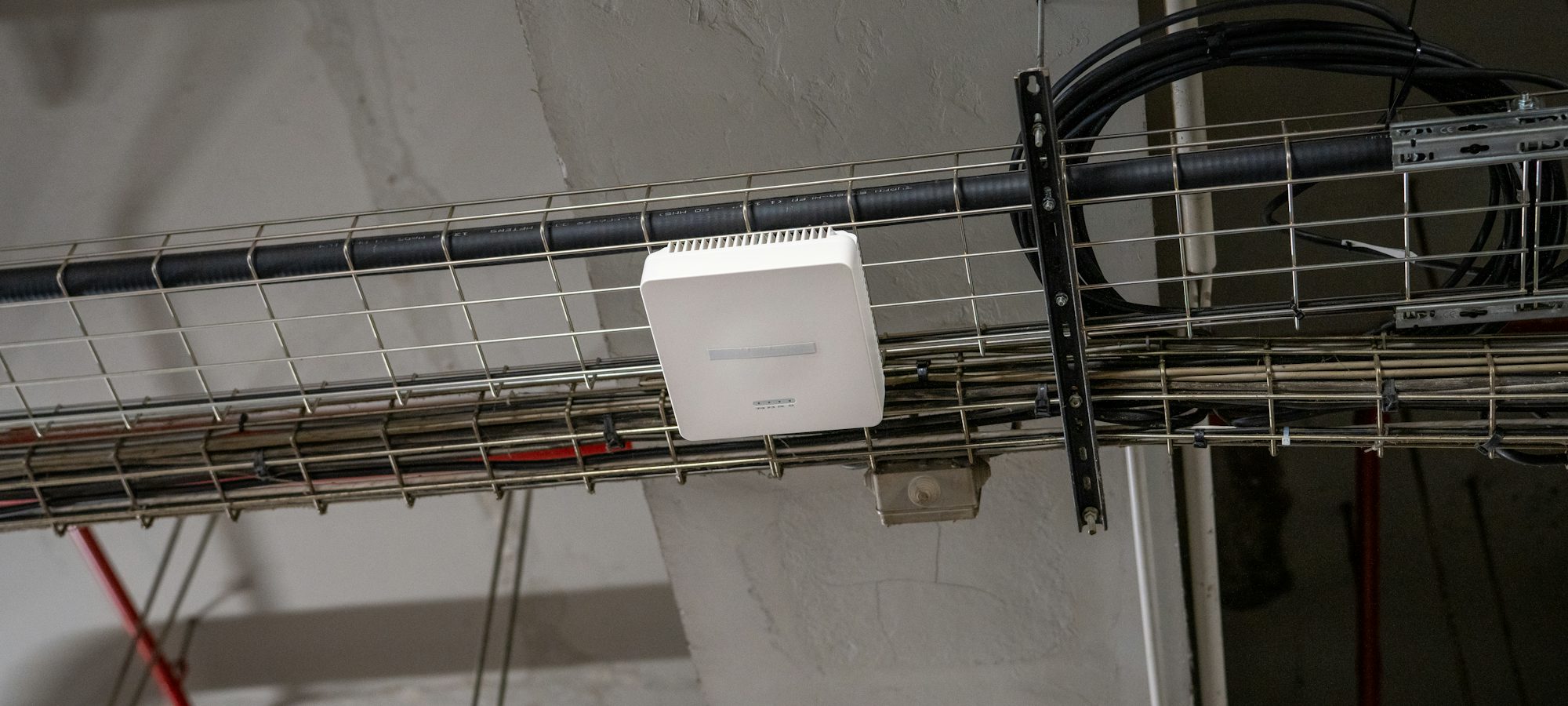
Be the first call when the WiFi drops
Tag every router, access point and smart home hub you install. When something stops working, the owner scans the tag, sees who set it up, and calls you instead of the internet provider's queue.
Linkwise Networks
Installed by Linkwise Networks
Mesh WiFi system
3 node mesh with switch
- Capacity
- 3 access points · 8 port switch
- Location
- Study, network cabinet
- Installed
- 14 Jul 2026
- Warranty to
- 14 Jul 2028
Next service
14 Jul 2027
Service history
Installation
14 Jul 2026
IP-8SH5-32
What you'll tag
- Routers and fibre terminals
- WiFi access points and mesh systems
- Network switches and patch panels
- Smart home hubs and controllers
- Smart lighting and switches
- Video doorbells and smart locks
- Backup power for network equipment
- Home office and small business networks
Sound familiar?
Where smart home & networking lose the repeat work
Nobody remembers the setup
Which access point is where, how the mesh is configured and who has the admin login. Without a record, every fault starts from scratch.
Small faults go to the provider
The owner phones the internet provider, waits in a queue, and is told it is their equipment. That job should have been yours.
Upgrades are lost to whoever is nearest
Faster fibre, another room, a camera at the gate. Work that should come back to you goes to someone who has never seen the network.
How the loop works for you
Say you fit a mesh system and a small network cabinet in July and tag the cabinet. Months later the upstairs access point drops out. The owner scans the tag, sees what is fitted and who did it, and books you instead of waiting on the provider's line.
On every passport
What InstallPass records
- Router, access point and hub brands and models
- Serial numbers, read from the labels
- Where each access point is mounted
- Network layout and cable runs
- Backup power fitted, and what it carries
- Install date and the installer warranty
- Photos of the cabinet, the patch panel and the access points
- Where the admin details are kept, never the passwords themselves
Keep on file
Documents worth attaching
- Network layout drawing
- Equipment warranty registrations
- Handover note listing what was configured
- Photos of the cabinet and cabling
Requirements vary by installation, municipality and manufacturer, so check what applies to each job.
Service touchpoints
Reminders that match how your units are serviced
Set a service interval per unit and InstallPass sends the reminders. Typical starting points:
Network health and firmware check
Every 12 months
A sensible starting point. Firmware and security updates matter more than wear on this kind of equipment.
Backup battery check
Every 12 months
Batteries that carry the router through load shedding lose capacity with age.
InstallPass for other trades
From the blog
Guides for installers who want repeat work

What one repeat call-out is worth: the numbers behind service work
A new install is a one-off. The services that follow it are not. Here is how to work out what a customer who keeps calling you is actually worth.

Security and CCTV installers: turning alarm and camera installs into service work
Alarm batteries go flat, recorder drives fill up and cameras drift out of focus. Here is how to make sure the call comes to you when they do.

A home equipment register: what to keep for your geyser, inverter and gate motor
Every house has a handful of units that need servicing, carry a warranty and come up when you sell. Here is what to keep for each, and where to keep it.
In their words
What installers say about it
The same story in every trade: a tag that stays on the unit is what brings the next job back to the person who fitted it, years after the invoice was paid.
Three geysers I fitted in 2023 came back to me this winter instead of going to whoever was cheapest on Google. The tag was still on the pipe and they scanned it.
The rating plate photo doing the typing is the part my guys actually use. Before this, half the job cards came back with the serial number missing.
A customer phoned about a warranty claim from two years ago. I had the certificate of compliance and the install date on screen before she finished the sentence.
Start tagging routers and fibre terminals today
Start your free trial and tag your first unit today. Fourteen days of every Pro feature, on real installs. If the bookings do not come back, you have lost nothing but an afternoon.
No card needed · 10 free self-print tags